Server Room Management: A Complete Guide for IT Teams
- Sosa Solutions NYC
- Aug 3
- 12 min read
Updated: Aug 7
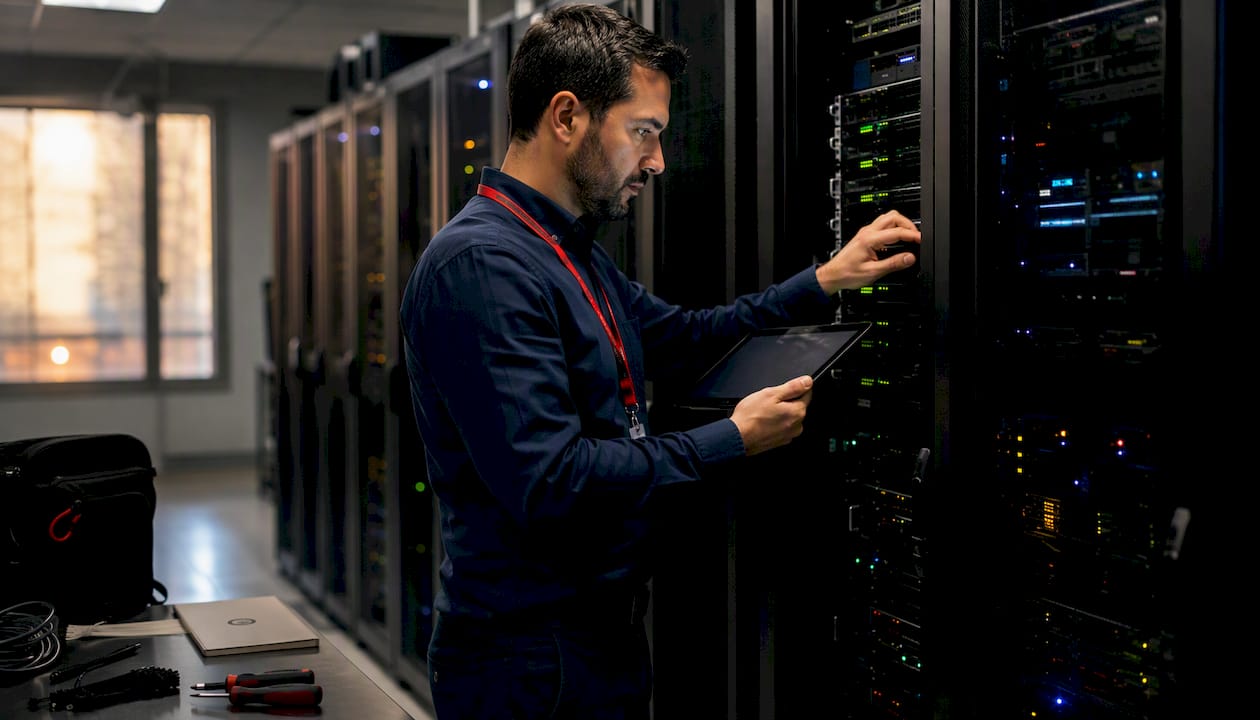
Server room management is the continuous set of monitoring, control, security, and operational practices that keep on-premises server infrastructure available, safe, and running efficiently. It covers every discipline that touches the room: environmental monitoring (temperature, humidity, airflow, leak detection), power management (UPS systems, PDUs, generators), physical security and access control, fire detection and suppression, rack and cable organization, DCIM and monitoring software, and the operational processes that hold it all together, including runbooks, maintenance schedules, and incident response playbooks.
Three standards anchor the discipline in the United States. ASHRAE publishes the thermal envelope that most server rooms target. NFPA and the NEC govern electrical safety and fire suppression requirements. And for SMBs that need hands-on help standing up or auditing a room, Sosasolutionsnyc provides managed IT and store-opening infrastructure services across New York and Florida.
Core elements at a glance:
Environmental monitoring: temperature, humidity, airflow, and leak detection sensors
Power management: UPS, PDUs, dedicated circuits, and generator readiness
Physical security: locked racks, keycard or biometric access, CCTV, and visitor logging
Fire protection: clean-agent suppression (FM-200, Novec 1230, Inergen) and early-warning smoke detection
Rack and cable management: labeled pathways, rack diagrams, and structured cabling
Monitoring tools and DCIM: real-time telemetry, alerting, and asset inventory
Operational processes: living ops manual, runbooks, scheduled maintenance, and incident playbooks
Table of Contents
What does server room management actually monitor?
The short answer: everything that can silently kill a server before an alert fires. Temperature and humidity are the headline metrics, but power quality, airflow, and water intrusion cause just as many outages, and they are easier to miss without the right sensors in the right places.
Environmental thresholds and sensor placement
ASHRAE guidance sets standard inlet temperature and relative humidity ranges that most server warranties require to maintain validity, emphasizing the critical environmental parameters for server operation. Measure temperature at rack inlets, not at the room thermostat, because the thermostat reading and the air actually entering a server can differ by several degrees.
Metric | Recommended Threshold | Sensor Placement | Alert Severity |
Inlet temperature | 18–27°C (64–80°F) per ASHRAE guidance | Front of each rack, 1U below top | Warning at 25°C, Critical at 28°C |
Relative humidity | 40–60% relative humidity per ASHRAE guidance | Room center and near CRAC return | Warning and critical humidity thresholds beyond ASHRAE recommended range |
Airflow / differential pressure | Positive pressure vs. corridor | Under-floor plenum or room perimeter | Warning on loss of positive pressure |
Water / leak detection | Any detection = alarm | Under raised floor, near CRAC drain | Critical immediately |
Door / access status | Open > 60 seconds = alert | Door frame sensor | Informational → Critical if after hours |
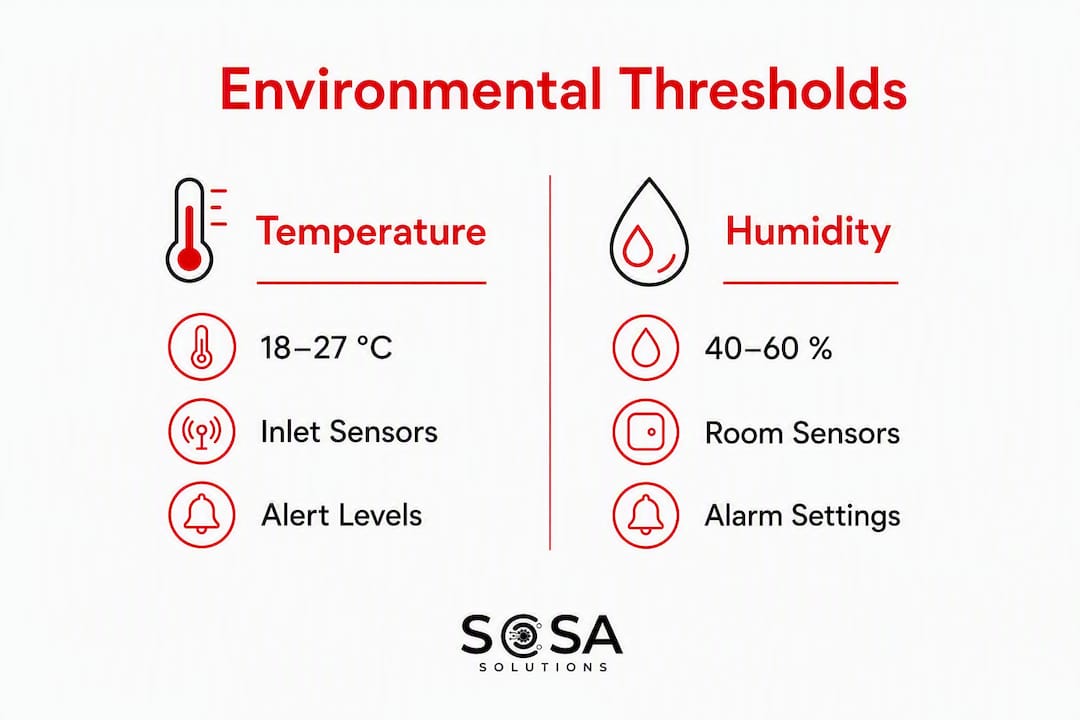
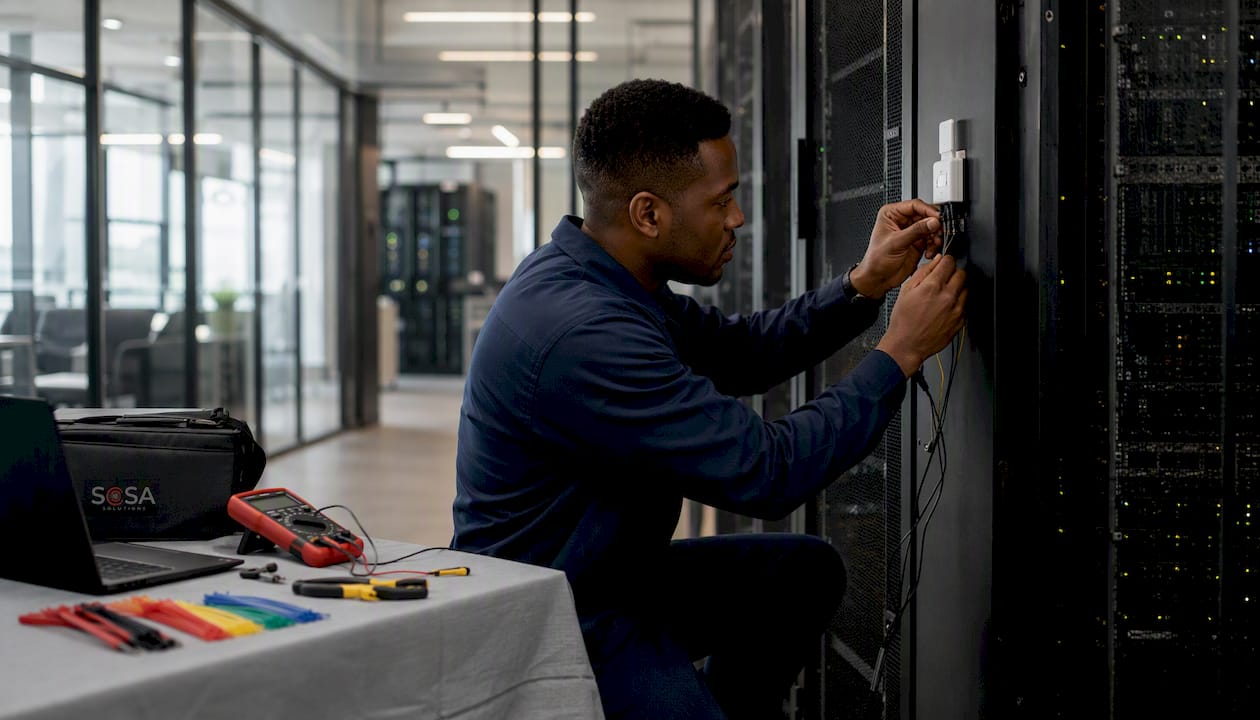
For a small-to-medium room, a minimum of four temperature sensors covers the four quadrants; add one at the hottest expected point (top rear of the highest-density rack) and one at the coldest (near the CRAC supply). Sensor-based monitoring for environmental and door status is standard practice, and the investment pays back the first time a sensor catches a CRAC unit failure at 2 AM before the servers throttle.
Alert escalation should follow a debounce rule: a temperature reading that crosses the warning threshold for fewer than three minutes may be a transient spike. Implement alert escalation with a brief hold time for warnings but immediate critical alerts for threshold breaches to ensure timely response.
Pro Tip: Place one sensor at the coolest and one at the warmest expected point in the room during commissioning, then run the alerting chain end-to-end with a heat gun before production use. A silent alert is worse than no alert.
How do you secure physical access to a server room?
Physical security is a commonly underinvested layer by SMBs, yet it is critical and often the first focus of compliance audits. The goal is a documented, auditable trail of every person who entered the room, combined with controls that make unauthorized access obvious rather than invisible.
A layered approach works from the outside in:
Room-level access: A solid-core door with an electronic keycard or biometric reader. Avoid combination locks; they cannot be audited and the code rarely changes after staff turnover.
Rack-level locks: Individual rack locks with separate keys for critical functions (network core vs. storage vs. compute). This limits blast radius if a keycard is compromised.
CCTV: At minimum, one camera covering the door and one covering the rack row. It’s best practice to retain CCTV footage for a sufficient period to support incident investigations.
Visitor logging: A physical or digital log capturing name, escort, purpose, time in, and time out. For regulated environments, this log is evidence.
Tamper alarms: Door sensors that alert when the room is accessed outside business hours or when a rack is opened without a corresponding work order.
For compliance, access logs are not optional. SOC 2 Type II, HIPAA, and PCI-DSS all require demonstrable controls over who can reach systems that process or store sensitive data. Audit logs that show every badge swipe, with timestamps, satisfy a significant portion of those requirements. Review the access list quarterly: remove former employees immediately, and verify that temporary contractor badges expire on schedule.
Clean-agent fire suppression systems such as FM-200, Novec 1230, and Inergen are the standard choices for server rooms because they extinguish fire without water damage. FM-200 reaches extinguishing concentration within approximately 10 seconds. For the system to work, the room must be sealed: penetrations for cables and conduit need fire-rated sealing, and the door must close automatically on alarm. Pair suppression with an early-warning aspirating smoke detector (VESDA or equivalent) so the system triggers before a fire is visible.
Power, cooling, and redundancy: what you need to manage
Power and cooling are two sides of the same problem. Every watt a server consumes becomes heat that the cooling system must remove. Manage one poorly and the other fails.
Power infrastructure
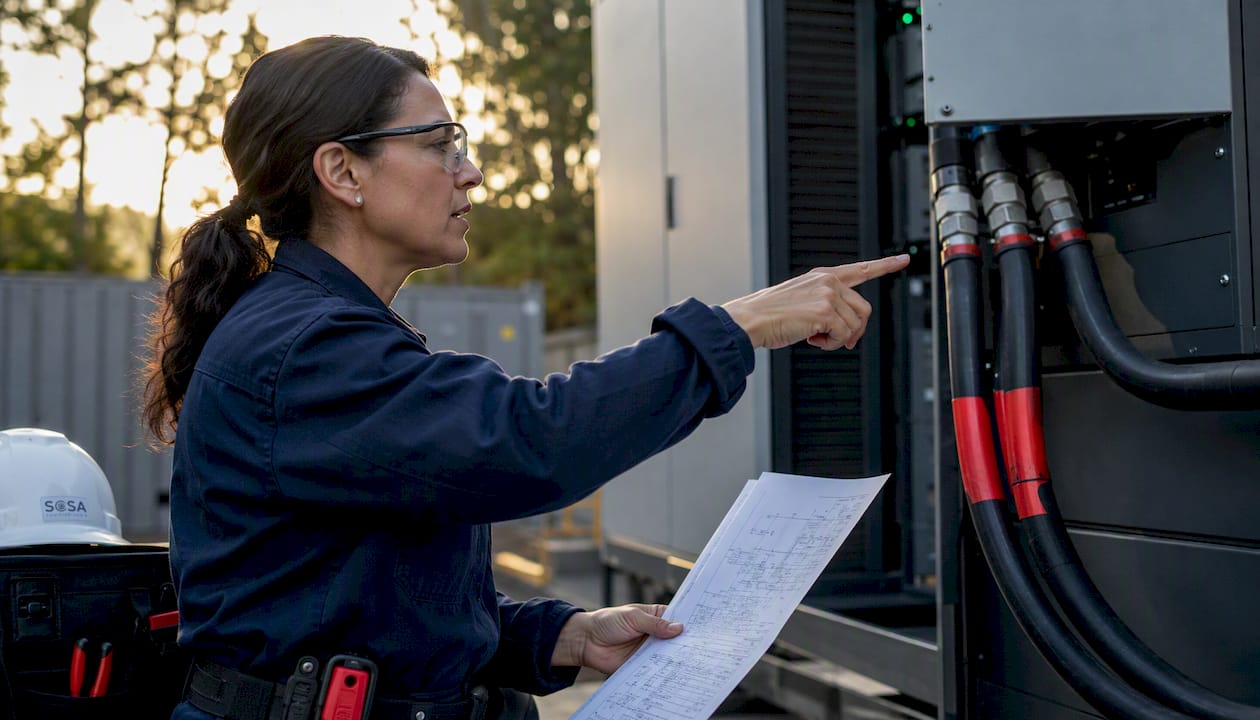
Dedicated electrical circuits are non-negotiable. Plan for dedicated electrical circuits per rack, increasing capacity for high-density racks as needed to ensure reliable power delivery. Run A and B power paths from separate panels so a single breaker trip does not take down a rack. PDUs with per-outlet monitoring let you track load in real time and catch a circuit approaching capacity before it trips.
UPS selection comes down to the load profile. Standby UPS units are adequate for light loads but transfer in 2–20 milliseconds, which some servers notice. Double-conversion UPS units run the load through the inverter continuously, providing clean power with zero transfer time. For any server room supporting point-of-sale or transactional systems, double-conversion is the right call. For UPS sizing and testing cadence specific to retail environments, the guidance is to test battery capacity under load quarterly and replace batteries before the manufacturer’s rated end-of-life, not after a failure.
Generators extend runtime beyond batteries; regular fuel level checks and periodic loaded tests are important for critical operations.
Cooling design
Office HVAC systems are sized for human occupancy but server equipment generates significantly more heat, necessitating precision cooling matched to actual loads. Precision cooling sized to the actual heat load is required; a CRAC or CRAH unit with capacity matched to the room’s total kW draw, plus headroom for growth.
Hot-aisle/cold-aisle containment is the single highest-impact layout change most small server rooms can make. Cold air from the CRAC supply hits rack fronts; hot exhaust exits the rear into a contained hot aisle and returns directly to the CRAC. Without containment, hot and cold air mix, forcing the CRAC to work harder to achieve the same inlet temperature.
Redundancy patterns to understand:
N: Exactly enough capacity to run the load. Any failure causes an outage.
N+1: One spare unit beyond what the load requires. A single failure is covered; the spare carries the load while repairs happen.
2N: Full redundant capacity. Each path can carry the entire load independently. Required for Tier III and above data center equivalents.
For most SMB server rooms, N+1 cooling and N+1 UPS is the practical target. Check HVAC filters monthly, schedule refrigerant checks and coil cleaning quarterly, and verify UPS transfer under simulated load during commissioning and annually thereafter.
A commissioning pitfall worth repeating: testing systems in isolation misses integration faults. Always simulate a utility outage and verify that the UPS transfers, the CRAC continues running on UPS power, and the generator starts within the required time, all in one test sequence.
Which monitoring tools and DCIM features actually matter?
Point monitoring tools (standalone temperature sensors with email alerts) get you started. DCIM gets you to a place where you can manage the room proactively rather than react to whatever breaks next.
DCIM software centralizes inventory, real-time telemetry, and analytics in a single interface. The practical difference is a visual rack map that shows every asset, its power draw, and its thermal status, updated in real time, versus a spreadsheet that is always slightly out of date. DCIM also surfaces zombie servers and energy leaks that point monitoring never catches because it is not looking at utilization, only at conditions.
Features to require when evaluating any monitoring stack:
Real-time telemetry with configurable polling intervals (1–5 minutes for environmental, shorter for power)
Multi-channel alerting: email, SMS, and webhook to a ticketing system
Asset inventory with rack-unit-level placement and power-path documentation
Power and cooling analytics including PUE trending and per-rack capacity headroom
API connectors to existing ITSM or CMDB platforms
Role-based access control so read-only dashboards are available to facilities staff without change rights
Historical data retention of at least 12 months for trend analysis and audit support
Floor and rack layout visualization that non-technical stakeholders can read
For SMBs, a hosted SaaS monitoring platform with agent-based collection is usually the right starting point. It avoids the overhead of an on-premises DCIM server and still delivers the alerting and inventory features that matter most. Larger operations with multiple rooms benefit from a full DCIM deployment with API integration into their ITSM platform.
Pro Tip: Before committing to any monitoring platform, ask the vendor for a sample API call that pulls current sensor data. If they cannot show you a working API in a demo, assume the integration story is aspirational.
What operational practices actually prevent outages?
Documentation prevents outages. That sounds obvious, but most server rooms have a rack diagram that was accurate two years ago and a runbook that lives in one engineer’s head. Practitioners consistently find that a living operational manual, covering emergency procedures, rack layouts, and power-path diagrams, is the single artifact with the highest return when something goes wrong at midnight.
What the living ops manual must contain
Rack diagrams: current asset placement, U-position, and serial numbers, updated within 48 hours of any change
Power-path diagrams: which PDU feeds which rack, which UPS feeds which PDU, which circuit feeds which UPS
Cable labels and inventory: every patch cable labeled at both ends with a consistent scheme; labeled cable pathways save hours during crisis troubleshooting
Contact and escalation matrix: primary and backup contacts for facilities, network, server, and vendor support, with after-hours numbers
Vendor and warranty register: support contract numbers, SLA response times, and hardware end-of-life dates
Runbook structure for common incidents
A runbook for a temperature spike should include: confirm the alert is real (check two sensors), identify the affected rack, check CRAC status and airflow, escalate to facilities if CRAC is offline, move non-critical workloads if temperature continues rising, and verify return to normal before closing the ticket. Each step names the responsible role and the verification check. Without that structure, engineers improvise under pressure, and improvisation during an outage is expensive.
Maintenance schedule:
Daily: visual walk, alarm inbox review, critical sensor spot-check
Weekly: PDU load review, log anomaly scan, door sensor test
Monthly: UPS self-test, access log audit, cable inspection
Quarterly: HVAC filter and coil service, generator fuel check, full battery capacity test
Annual: full commissioning review, fire suppression inspection, tabletop incident drill
Test playbooks with tabletop exercises at least annually and a live drill (simulated UPS failure, simulated temperature alarm) at least once before any major infrastructure change.
Your server room management checklist
Good operations run on habits, not heroics. The table below gives you a ready-to-use cadence with the responsible role and the evidence of completion that auditors and managers expect.
Cadence | Task | Responsible Role | Evidence of Completion |
Daily | Visual walk, alarm inbox review, critical sensor readings | On-call technician | Signed walk log or DCIM dashboard screenshot |
Weekly | PDU load spot-check, log anomaly review, door sensor test | IT operations | Ticket or log entry with readings |
Monthly | UPS self-test, access log audit, cable and label inspection | IT operations + facilities | UPS test report, access log export |
Quarterly | HVAC/CRAC service, generator fuel check, battery capacity test | Facilities + vendor | Service record, fuel log, battery test report |
Annual | Full commissioning review, fire suppression inspection, incident drill | IT manager + vendors | Commissioning report, suppression service certificate |
KPIs to track alongside the checklist:
MTTA (mean time to acknowledge): how long from alert to first human response; target under 15 minutes for critical alerts. Uptime SLA metrics tie directly to this number.
MTTR (mean time to remediate): from acknowledgment to resolution; benchmark against your SLA commitments
PUE (power usage effectiveness): total facility power divided by IT load power; 1.5 or below is a reasonable SMB target
Sensor test compliance: percentage of critical sensors tested within the scheduled SLA window each month
Change-request success rate: percentage of changes completed without unplanned impact; a declining rate signals process gaps
Automate evidence capture wherever possible. DCIM platforms and remote monitoring systems can export sensor logs, alert histories, and UPS test results automatically, which removes the human error from compliance documentation.
Key Takeaways
Effective server room management requires documented processes, calibrated thresholds, and tested redundancy before any incident occurs, not after.
Point | Details |
Environmental thresholds | Maintain inlet temperature between 18–27°C and relative humidity between 40–60% as recommended by ASHRAE; alert before limits are breached. |
Power and cooling redundancy | Target N+1 UPS and N+1 cooling; test UPS transfer under combined simulated load during commissioning and annually. |
Documentation first | A living ops manual with rack diagrams, power-path diagrams, and labeled cables prevents long outages and satisfies auditors. |
DCIM over point monitoring | Centralized DCIM surfaces zombie servers, energy leaks, and capacity gaps that standalone sensors never catch. |
Sosasolutionsnyc | Provides on-site commissioning, remote monitoring setup, and managed IT support for SMBs in New York and Florida. |
The part most guides skip: prioritization for real SMB constraints
The conventional wisdom on server room management assumes you have a dedicated facilities team, a DCIM budget, and time to implement everything at once. Most retail IT managers in New York or Florida have none of those things. They have a closet with three racks, one part-time IT contact, and a store opening in six weeks.
The right order is not “implement everything.” It is: safety and uptime first, then monitoring, then optimization. Get the UPS on a dedicated circuit and tested. Get a temperature sensor with an SMS alert. Lock the rack. Document the power path on a single sheet of paper. Those four steps prevent the outages that actually happen in small retail environments.
The longer-term investments, DCIM, hot-aisle containment, generator contracts, come after the basics are solid. Spending money on a sophisticated monitoring platform before the UPS is properly sized is a common mistake, and it is one that a managed IT partner catches immediately because they have seen the failure pattern before.
For SMBs weighing short-term fixes against long-term investment, the honest answer is that some infrastructure decisions are hard to undo. Undersized cooling and undersized power circuits require physical retrofits that cost far more than getting them right at setup. Everything else, documentation, monitoring software, access control policies, can be improved incrementally. Prioritize the physical infrastructure decisions early; retail IT infrastructure choices made at store opening tend to stay in place for years.
Sosasolutionsnyc handles the server room work you should not do alone
Standing up a server room correctly the first time saves far more than the cost of getting it wrong. Sosasolutionsnyc delivers on-site commissioning, UPS testing, remote monitoring configuration, and full infrastructure readiness for retail and business environments across New York and Florida. For teams that need a server room audit, a store-opening IT setup, or ongoing managed IT support, the process starts with a site assessment that covers power, cooling, cabling, security, and monitoring gaps in one visit.

The difference between a reactive IT environment and a stable one usually comes down to whether the basics were done right at the start: dedicated circuits, a tested UPS, a temperature sensor with a real alert, and a rack diagram that is actually current. Sosasolutionsnyc builds that foundation for SMBs that cannot afford to learn it the hard way. Request a site assessment and get a clear picture of where your server room stands before the next outage makes the decision for you.
Useful sources for further reading
The standards and guides below back the thresholds, commissioning practices, and checklist templates in this article. Use them to validate specific figures or dive deeper into any discipline.
12 Server Room Requirements Checklist for 2026 (Impressive Magazine) — primary source for ASHRAE temperature and humidity thresholds, clean-agent suppression details, cable management impact figures, and the living documentation framework. Start here for checklist templates.
Server Room Design Best Practices (phoenixNAP) — covers hot-aisle/cold-aisle layout, precision cooling sizing, and why office HVAC is insufficient. Useful for the cooling design section of any new build or retrofit.
How to Set Up a Server Room: Power, Cooling & Security (MegaServices LLC) — detailed commissioning checklist covering power, cooling, cabling, networking, security, and fire suppression in sequence. The source for the combined-load commissioning test recommendation.
What Is DCIM? (TechTarget) — authoritative definition of DCIM capabilities, the three-stage monitor/analyze/automate framework, and why centralized telemetry changes operations. Use this to evaluate DCIM vendor claims.
7 Key Aspects of Server Room Monitoring and Control (ControlByWeb) — practical breakdown of sensor types, placement logic, and what each metric protects against. Supports the environmental monitoring threshold table above.
Server Room (Wikipedia) — vendor-neutral overview of precision air conditioning, redundancy concepts, and physical location considerations (avoiding basements, exterior windows, and top floors). Good background for facility managers new to the discipline.
Recommended
Comments