Types of Retail Server Environments: 2026 IT Guide
- Sosa Solutions NYC
- Jul 16
- 8 min read
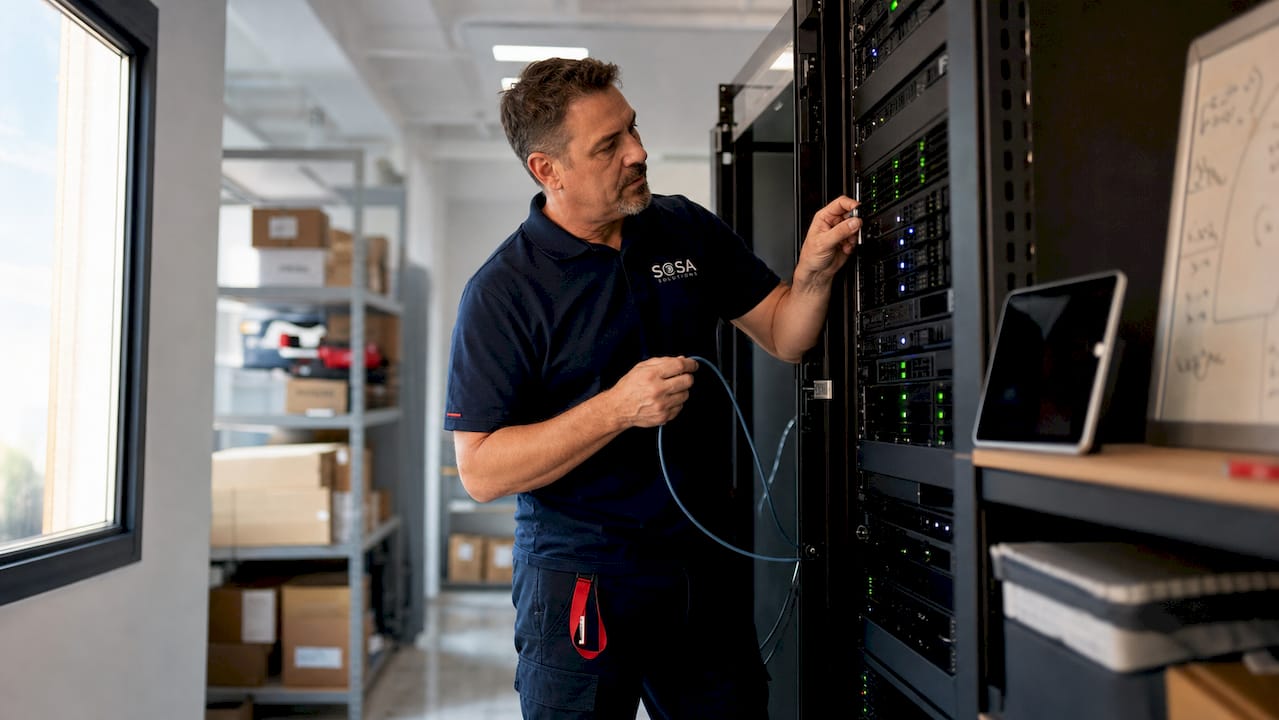
Retail server environments are defined as the IT infrastructure layers that support store operations, from point-of-sale processing to inventory management and financial reporting. The four primary types of retail server environments are on-premise, cloud-first, hybrid, and edge server models, each designed to meet distinct operational demands. Hybrid architectures deliver the best balance of resilience, speed, governance, and cost for most multi-location retailers. Sosasolutionsnyc works with retail teams across New York and Florida to deploy and manage all four models based on real workload requirements.
1. What are the types of retail server environments?
Retail server environments fall into three foundational models: traditional on-premise, cloud-first, and hybrid, with edge computing emerging as a fourth specialized category. Each model places compute, storage, and application workloads differently across the store and enterprise network. The right choice depends on your tolerance for outages, your connectivity quality, and the latency requirements of your applications.
Understanding these categories matters because the wrong model creates real operational risk. A cloud-only setup in a store with unreliable internet will take down your POS system during peak hours. A fully on-premise setup across 50 locations multiplies hardware management costs and slows software updates.

2. Traditional on-premise retail server environments
On-premise retail servers are physical machines installed inside each store to run POS software, back-office applications, and inventory management locally. This model keeps all transaction data and application logic on hardware you control directly. It is the oldest and most widely understood retail server type.
The core advantage is offline resilience. Store-level servers for Back Office and Store Inventory Management applications keep operations running during WAN failures. That matters enormously for retailers in locations with inconsistent internet service.
Common on-premise workloads include:
POS transaction processing and receipt printing
Store Inventory Management (SIM) client applications
Back-office reporting and end-of-day reconciliation
Local device management for scanners, printers, and payment terminals
Legacy system integrations that require direct hardware access
The limitations are real. Each store requires dedicated hardware procurement, on-site maintenance, and manual software patching. Scaling to new locations means repeating the full hardware deployment cycle every time.
Pro Tip: For standalone on-premise deployments, configure redundant server terminals so that no single hardware failure takes down all POS clients in the store. High availability is not optional in this model.
3. How cloud-first retail server environments operate
Cloud-first retail server environments host core applications and databases on public or private cloud infrastructure rather than in-store hardware. The store connects to centralized systems over the internet or a dedicated WAN link. This model suits retailers with reliable connectivity and a preference for centralized management.
The operational benefits are significant. Software updates deploy once and reach every location instantly. Disaster recovery is built into the cloud provider’s infrastructure. Capacity scales up during peak seasons without buying new hardware.
Workloads well-suited to cloud hosting include:
Enterprise Resource Planning (ERP) systems
Retail analytics and business intelligence platforms
Workforce management and scheduling tools
Collaboration and communication applications
E-commerce and omnichannel order management
Centralized server-based financial planning remains critical for large retailers despite SaaS trends, because data integrity across thousands of concurrent users requires a stable system of record. That is a workload that cloud-hosted enterprise platforms handle well.
The hard constraint is network dependency. Any application requiring sub-100ms response times for customer-facing interactions becomes a liability when routed through a cloud data center hundreds of miles away.
Pro Tip: When evaluating cloud providers for retail workloads, test actual round-trip latency from your store locations to the provider’s nearest data center before signing a contract. Published latency figures rarely match real-world store conditions.
4. Why hybrid retail server environments are the practical standard
Hybrid retail server environments combine store-edge components with cloud-hosted core systems. Transaction-critical functions run locally. Analytics, planning, and collaboration run in the cloud. This split reflects how retail workloads actually behave in production.
The hybrid decision depends on classifying workloads by latency sensitivity, data residency requirements, and integration complexity rather than a blanket preference for cloud or on-premise. That classification exercise is the most important step in any retail infrastructure project.
The table below compares the three primary server environment models across key operational dimensions:
Feature | On-Premise | Cloud-First | Hybrid |
WAN outage resilience | High | Low | High |
Software update speed | Slow | Fast | Fast for cloud workloads |
Hardware management burden | High | Low | Medium |
Latency for POS transactions | Very low | Variable | Very low (local edge) |
Scalability to new locations | Slow | Fast | Medium |
Data governance control | High | Medium | High |
Upfront infrastructure cost | High | Low | Medium |
Hybrid environments require more governance discipline than either pure model. You need clear policies on which workloads live where, how data syncs between edge and cloud, and how failover behaves when connectivity drops. Teams that skip this planning phase end up with inconsistent configurations across locations.
Centralized IT management practices become especially important in hybrid deployments, where visibility across both local and cloud-hosted systems determines how quickly your team can identify and resolve incidents.
5. What are specialized retail edge server types and configurations?
Edge servers are compact, purpose-built machines deployed at the store level to handle latency-sensitive and compute-intensive workloads that cannot tolerate round-trip cloud delays. They are distinct from traditional on-premise servers in their form factor, management model, and intended workload profile.
Retail edge servers typically require 64GB to 128GB RAM, 10 GbE networking ports, and AI hardware accelerators for real-time video analytics processing. That hardware profile reflects the demands of concurrent video feeds, loss prevention analytics, and customer behavior tracking running simultaneously.
Key edge server configurations used in retail include:
1-Box solutions: Single integrated units combining compute, storage, and networking in a small footprint. Compact integrated hardware reduces store space requirements and simplifies deployment where on-site IT staff are unavailable.
Store Server Architecture: Designates specific terminals as database hubs for other POS clients. This architecture improves performance by reducing replication load but requires redundant server terminals to prevent store-wide outages.
Short-depth 1U rack servers: Standardized form factors like Intel NUC or 1U servers that support remote management and easy swap-out without on-site IT expertise.
The management challenge with edge servers is scale. A retailer with 200 stores has 200 separate hardware units to monitor, patch, and replace. Remote management capability is not a nice-to-have feature. It is a requirement.
Pro Tip: Select edge server hardware with out-of-band management support (such as IPMI or iDRAC) so your IT team can reboot, reimage, or diagnose a failed unit without dispatching a technician to the store.
For retailers running video analytics alongside POS workloads, the retail surveillance IT setup requirements should inform your edge server hardware selection from day one.
6. How to choose the right retail server environment
Choosing the right server environment starts with workload classification, not vendor selection. Every application in your retail stack belongs in one of three categories: latency-sensitive and transaction-critical, analytics and planning, or collaboration and communication.
Follow this decision sequence:
Map your workloads. List every application your stores run and assign each a latency requirement and an outage tolerance rating.
Assess your connectivity. Measure actual WAN reliability and bandwidth at each store location, not just what your ISP promises.
Classify by data residency. Identify any workloads subject to data sovereignty or compliance requirements that restrict cloud hosting.
Match workload to environment. Transaction-critical and latency-sensitive workloads go to edge or on-premise. Analytics and planning go to cloud. Mixed workloads go hybrid.
Plan for failover. Define exactly what happens to each workload when the WAN link drops. If the answer is “it stops working,” reconsider the placement.
Evaluate management capacity. On-premise and edge models require more internal IT capacity or a managed services partner to operate reliably.
Platform-level integration of compute, storage, and networking into a unified OS can reduce physical server requirements by 30–40% by eliminating redundant overhead. That efficiency gain is worth evaluating before finalizing hardware counts for any new deployment.
High-connectivity urban stores, such as those in Manhattan, can run leaner edge configurations because WAN reliability is higher. Isolated rural locations or franchise models with variable connectivity need more local compute to maintain operations independently. Sosasolutionsnyc designs environments for both scenarios across its New York and Florida client base.
When your internal team lacks the capacity to manage distributed server environments, a managed retail IT approach gives you consistent configuration, proactive monitoring, and faster incident response across all locations.
Key takeaways
The most effective retail server environment is a hybrid model that places transaction-critical workloads at the store edge and routes analytics and planning workloads to centralized cloud systems.
Point | Details |
Hybrid is the operational standard | Hybrid models preserve local POS failover while offloading analytics to cloud for most retailers. |
Workload classification drives decisions | Classify every application by latency, outage tolerance, and data residency before selecting an environment. |
Edge servers need specific hardware | Retail edge servers require 64GB–128GB RAM, 10 GbE ports, and AI accelerators for real-time analytics. |
Remote management is non-negotiable | Distributed edge deployments require out-of-band management to avoid costly on-site service calls. |
Virtualization reduces hardware costs | Platform-level integration can cut physical server requirements by 30–40% across retail environments. |
What I’ve learned from retail server deployments that most guides won’t tell you
The conversation about cloud versus on-premise in retail has been going on for over a decade. Most of the debate misses the actual problem. Retailers do not fail because they chose the wrong model in theory. They fail because they never classified their workloads before making the decision.
I have seen retailers migrate entirely to cloud-first environments and then spend six months building workarounds for POS latency issues that were completely predictable. The WAN dependency problem is not new. Every infrastructure architect knows it. But the pressure to “go cloud” often overrides the engineering analysis.
The shift toward standardized edge hardware is the most interesting development in retail IT right now. The 1-Box approach, where a single compact unit handles compute, storage, and networking, is not just about saving floor space. It is about making distributed infrastructure manageable without a full-time technician at every location. Ahold Delhaize’s edge strategy demonstrated this at scale, and the model is spreading to mid-market retailers.
AI acceleration at the edge is the next inflection point. Retailers running video analytics for loss prevention or customer flow analysis are already pushing the limits of what standard server hardware can handle. The hardware specs required for real-time video processing, 64GB to 128GB RAM and dedicated AI accelerators, are becoming baseline requirements rather than premium options.
The pitfall I see most often is underinvestment in failover planning. Teams spend weeks selecting hardware and cloud providers, then document failover procedures in a single paragraph. When the WAN link drops at 5 PM on a Friday, that paragraph is not enough. Test your failover. Run drills. Know exactly which workloads survive a connectivity loss and which ones do not.
— Christopher
Sosasolutionsnyc’s approach to retail server environments
Retail IT infrastructure decisions carry real operational consequences. Getting the workload placement wrong costs you uptime, customer experience, and staff productivity.

Sosasolutionsnyc specializes in deploying and managing hybrid retail server environments for small and medium-sized retailers across New York and Florida. The team handles everything from initial workload classification and hardware selection to ongoing monitoring and incident response. For new locations, the store opening IT solutions service covers full infrastructure readiness, including edge server configuration and cloud connectivity setup. For existing operations, managed IT services provide proactive management across all server environment types. Contact Sosasolutionsnyc to discuss which server environment model fits your retail operation.
FAQ
What are the main types of retail server environments?
The four main types are on-premise, cloud-first, hybrid, and edge server environments. Each model places compute and application workloads differently based on latency, connectivity, and operational requirements.
What is the best server environment for a multi-location retail chain?
Hybrid environments are the most operationally realistic choice for multi-location retailers. They preserve local POS failover during WAN outages while offloading analytics and planning to centralized cloud systems.
Why do retail stores need local edge servers instead of cloud-only setups?
Store-level applications like Back Office and Store Inventory Management must run locally to stay available during WAN failures. Cloud-only setups create outage risk for transaction-critical functions that cannot tolerate network interruptions.
What hardware specs do retail edge servers require?
Retail edge servers typically need 64GB to 128GB RAM, 10 GbE networking ports, and AI hardware accelerators to handle real-time video analytics and concurrent POS workloads effectively.
When should a retailer use a managed IT service for server environments?
A retailer should use a managed IT service when internal IT capacity cannot support distributed edge hardware across multiple locations. Managed services provide proactive monitoring, remote management, and faster incident resolution without on-site staffing at every store.
Recommended
Comments