Why Your Store IT Needs Local Support to Thrive
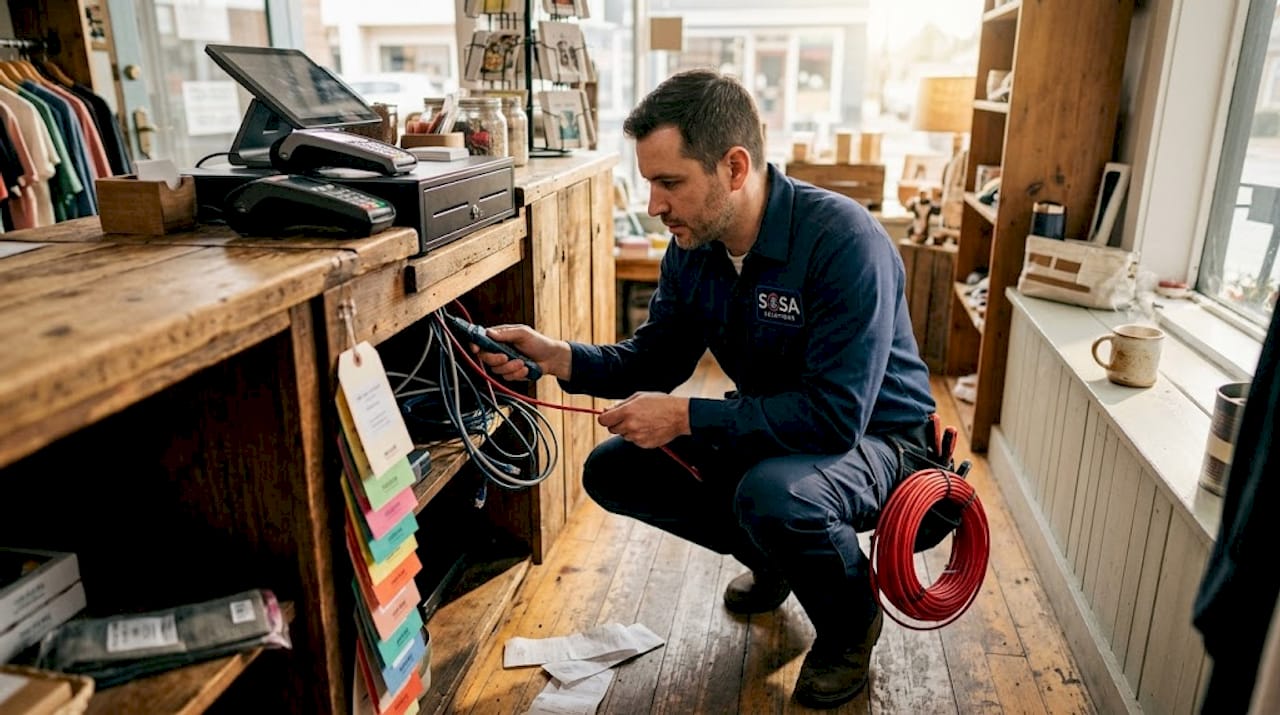
Most retail owners assume that a remote IT helpdesk is enough to keep their store running. That assumption is wrong, and it gets expensive fast. Understanding why store IT needs local support is not a theoretical exercise. It is a practical reality that plays out every time a POS terminal freezes during a Saturday rush, a Wi-Fi access point drops at the checkout lane, or a payment gateway starts timing out with a line of customers waiting. Remote support can handle a lot, but it cannot walk through your back office, swap a failed switch, or verify that your backup actually restored correctly. This article breaks down exactly what local IT support delivers that remote alone cannot.
Table of Contents
Key takeaways
Point | Details |
On-site repairs cannot be remote | Hardware failures and physical network faults require a technician present in your store to resolve quickly. |
Hybrid models outperform either extreme | Combining remote monitoring with local on-site response gives you speed, coverage, and cost control simultaneously. |
Local context speeds up diagnosis | A technician who knows your POS quirks and switch layout resolves issues faster than a remote tech guessing blind. |
Backup validation needs physical presence | Testing restore plans and confirming offline backup integrity requires someone physically at your location. |
SLAs should specify local response times | Your support contract must define on-site arrival windows, not just remote ticket response times. |
Why store IT needs local support: the foundational case
Walk into any busy retail store and you will find a surprisingly complex technology stack underneath the surface. POS terminals, barcode scanners, receipt printers, card readers, network switches, Wi-Fi access points, security cameras, and back-office servers all need to function together without interruption. When one piece fails, the ripple effect hits your sales, your staff, and your customers at the same time.
Rapid on-site technical support is not a luxury for retail. It is a baseline operational requirement. A remote technician can log into your system and push a software update. They cannot replace a failed network interface card, re-seat a loose cable behind a register, or physically trace which port on your switch is causing intermittent packet loss.
Here is where the hidden risks pile up fast:
Hardware failures with no workaround. A dead POS terminal or crashed receipt printer cannot be fixed by a remote session. You need a technician with the right part in hand, on-site.
Intermittent network faults. Wi-Fi degradation at checkout or payment gateway timeouts only reproduce in person. Remote techs often cannot isolate these without physical access to test each component in sequence.
Store-specific configuration knowledge. Your store’s IT setup is not generic. POS device quirks, switch port mapping, and SaaS dependencies vary by location. A technician who knows your specific setup resolves issues in minutes instead of hours.
Customer experience damage. Every minute of downtime during operating hours means lost sales and frustrated shoppers. The impact on customer experience from tech failures is direct and measurable.
Pro Tip: Ask your current IT provider to document your store’s network topology and POS device configurations. If they cannot produce that document, they do not know your store well enough to support it effectively.
Understanding the critical role of on-site support is the starting point for any retail IT strategy worth building.
Remote vs. local support: what each one actually does well
The retail IT support debate is not remote versus local. It is about knowing which problems each one actually solves.
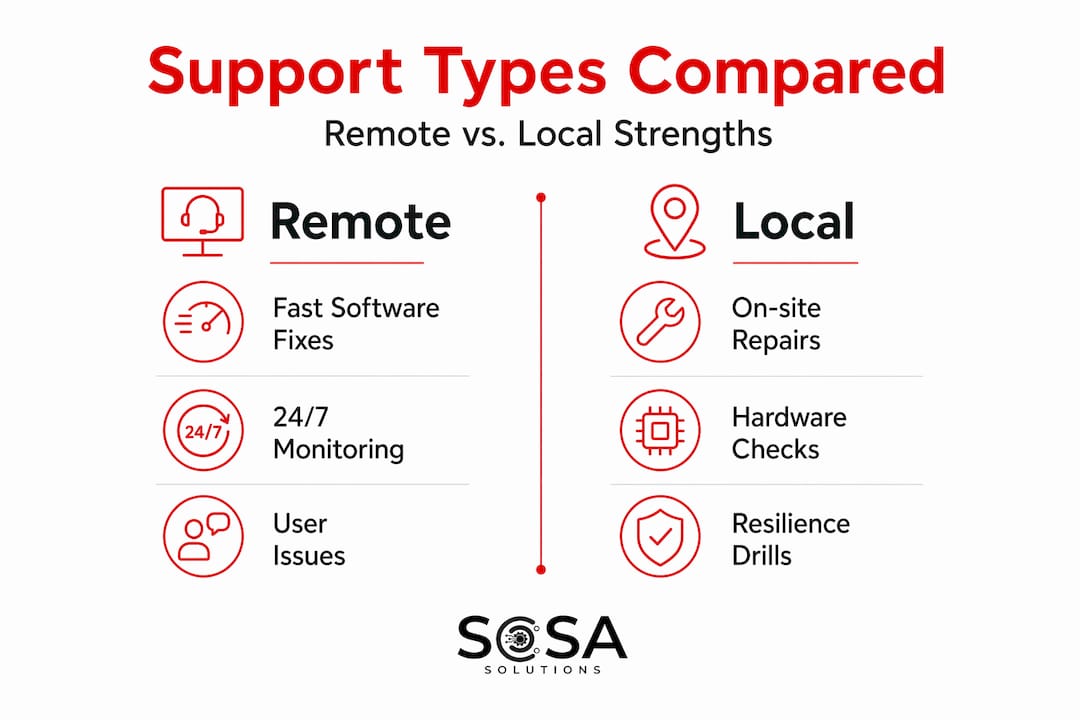
Factor | Remote support | Local on-site support |
Response speed | Immediate for software issues | 1 to 4 hours typical for on-site arrival |
Hardware repairs | Not possible | Full capability with the right parts |
Network fault isolation | Limited without physical access | Full physical testing and isolation |
Software and user issues | Highly effective | Capable but often unnecessary |
24/7 availability | Common | Varies by provider and SLA |
Store-specific knowledge | Difficult to maintain remotely | Built naturally through repeated visits |
Cost per incident | Lower for routine issues | Higher per visit but faster on complex faults |
Remote support wins clearly on software problems: user account issues, software crashes, configuration changes, and security patches. Remote resolves software failures quickly and keeps costs down for routine work. That is a genuine advantage worth keeping.
The problem is when retail owners rely on remote only and discover the gap during a crisis. A payment processor integration failure that involves a misconfigured local network device cannot be fixed remotely. A physical drive failure in a back-office server requires someone to show up with a replacement.
Hybrid IT support models that pair remote monitoring with on-site response are increasingly recognized as the right answer for retail. Remote monitoring catches problems early and resolves the majority of tickets without anyone leaving an office. On-site support closes the loop on everything physical, compliance-related, or too complex to diagnose through a screen.
Pro Tip: When evaluating IT providers, ask specifically what percentage of their retail client tickets require on-site intervention. Providers who have tracked this data are providers who understand retail operations.
The benefits of unified IT providers who manage both remote and local support under one relationship are significant. You get consistent context, faster escalation, and no finger-pointing between separate vendors.
Local support and your store’s resilience against outages
Most retail owners think about IT support as a break-fix service. Something breaks, someone fixes it. That reactive mindset leaves stores dangerously exposed when a serious incident hits.
Ransomware attacks, hardware failures, and data corruption events require more than a phone call to recover from. Here is the sequence of what effective recovery actually looks like:
Identify the scope of the incident. A local technician can physically walk the store, check every device, and confirm what is affected versus what is operational. Remote diagnosis alone misses physical indicators that narrow the problem fast.
Isolate affected systems. Disconnecting compromised devices from the network often requires physical access. A remote tech can instruct staff, but staff instructions under pressure fail regularly. An on-site technician does this correctly and quickly.
Initiate verified recovery. Offline, immutable backups are the foundation of ransomware resilience, but backups are worthless if no one has tested whether they actually restore. Local IT teams validate restore plans on-site, confirming recovery time objectives match real-world store needs.
Test and validate before going live. Before bringing POS systems back online after an incident, someone needs to physically verify that transactions process correctly, that network connectivity is stable, and that no compromised devices remain connected.
Document and remediate. A local technician who knows your environment can produce an accurate incident report and recommend physical remediation steps, not just software patches.
Local partners validate restore plans through on-site rehearsals, confirming that recovery timelines align with actual store realities. This is something a remote-only provider simply cannot replicate.
Proactive ransomware resilience requires local providers who coordinate recovery drills and confirm that technical controls work in your specific store environment. Not in a lab. Not in theory. In your actual back office with your actual equipment.
How to build a local IT support strategy for your store
Knowing why local support matters is step one. Building the right support structure for your specific store is where that knowledge pays off. Here is what to assess and what to ask.
Start with your store’s complexity profile. A single-location boutique with five POS terminals has different needs than a regional chain with forty locations, multiple network segments, and a custom inventory system. Larger footprints need faster local response windows and more dedicated technician relationships.
Questions to ask any IT provider you are considering:
Do you have technicians physically located within 30 to 60 minutes of my store?
What is your guaranteed on-site response time, and is it written into the SLA?
Have you supported retail POS environments before, and which systems?
How do you handle after-hours hardware failures during peak retail periods?
Can you provide references from retail clients in my geographic area?
Budget realistically. Local support costs more per incident than remote help alone. That is true. What owners often miscalculate is the cost of downtime. A busy retail location losing two hours of sales on a Friday afternoon because a remote tech could not fix a hardware fault costs far more than the premium for an on-site contract.
Pro Tip: Require that your SLA defines both remote response time and on-site arrival time separately. Many providers advertise fast response times that only apply to remote ticket acknowledgment, not physical arrival at your store.
Build the hybrid model deliberately. Use remote monitoring for 24/7 visibility and quick resolution of software issues. Reserve local support commitments for hardware, network infrastructure, physical security, and incident recovery. Retail IT troubleshooting best practices show that stores with defined escalation paths between remote and local tiers resolve issues significantly faster than those with ad hoc arrangements.
Consider integrating your retail POS platforms with reliable technology partners. For stores using WooCommerce integrations, Square WooCommerce sync pricing is worth evaluating alongside your local IT support plan to keep transaction systems stable.
My perspective: the support mistake most retail owners make too late
I have seen this pattern more times than I can count. A retail owner invests in solid inventory software, a clean store layout, good staff. Then they cut corners on IT support, usually by signing up for a cheap remote-only helpdesk plan and hoping for the best.
Everything works fine until it does not. Then a POS system goes down on the busiest day of the month, the remote tech opens a ticket, and someone on your staff is left trying to follow phone instructions to restart network equipment they have never touched before. The fix takes four hours instead of forty minutes. Sales are lost. Staff are stressed. Customers leave.
What I have learned from working in retail technology environments is that the stores with the most reliable operations share one thing. They treat their local IT provider as a known partner, not a vendor they call when something breaks. The technician who has been to your location three times already knows where your network closet is, knows which POS terminal runs slow, and knows that your back-office server needs a hard restart after power fluctuations. That knowledge is not in any ticket system. It lives in the relationship.
The skeptics always ask whether local support is worth the added cost. My answer is always the same. Compare the cost of your local support contract to the revenue you would lose in two days of partial downtime. The math is not close.
Retailers who grow with an IT partner proactively rather than reactively almost always outperform those who treat IT as a grudge expense. The stores that thrive operationally are the ones where technology works invisibly, and that does not happen by accident.
— Christopher
How Sosasolutionsnyc supports retail stores across NY and Florida

Sosasolutionsnyc was built specifically for retail environments in New York and Florida, where store operations move fast and downtime is not an option. Their retail IT support services combine on-site technicians with remote monitoring so retail owners get the best of both models without managing two separate vendors.
From Manhattan boutiques to Florida multi-location retailers, Sosasolutionsnyc provides managed IT, store opening IT setup, and ongoing technical support with guaranteed on-site response windows written into every service agreement. They handle POS configuration, network infrastructure, backup validation, and incident recovery as a single, accountable team.
For stores planning a new location, their store opening IT solutions handle everything from infrastructure readiness to day-one go-live support. If you are ready to stop hoping your remote helpdesk can handle whatever comes next, Sosasolutionsnyc is worth a conversation.
FAQ
Why can’t remote IT support alone cover retail stores?
Remote support cannot perform physical hardware repairs, isolate intermittent network faults, or validate backup restoration on-site. Retail stores need local technicians for any failure that requires hands-on intervention.
What is a hybrid IT support model for retail?
A hybrid model pairs remote monitoring and software support with on-site technician response for hardware, network, and recovery tasks. This approach maximizes resolution speed while keeping costs reasonable for most retail operations.
How does local IT support help with ransomware recovery?
Local technicians physically isolate compromised devices, verify offline backup integrity, and test restore processes in your actual store environment. Remote support alone cannot perform these critical recovery steps reliably.
What should I look for in a local IT support SLA?
Your SLA should specify on-site arrival response times separately from remote ticket response times. Look for guaranteed windows of one to four hours for hardware and network emergencies during business hours.
How does local IT knowledge reduce troubleshooting time?
A technician familiar with your store’s POS configurations, network layout, and equipment history diagnoses problems faster because they are not starting from scratch on every visit. Store-specific context is one of the clearest local support benefits in practice.
Recommended


Comments