Retail Store IT Infrastructure Guide for 2026
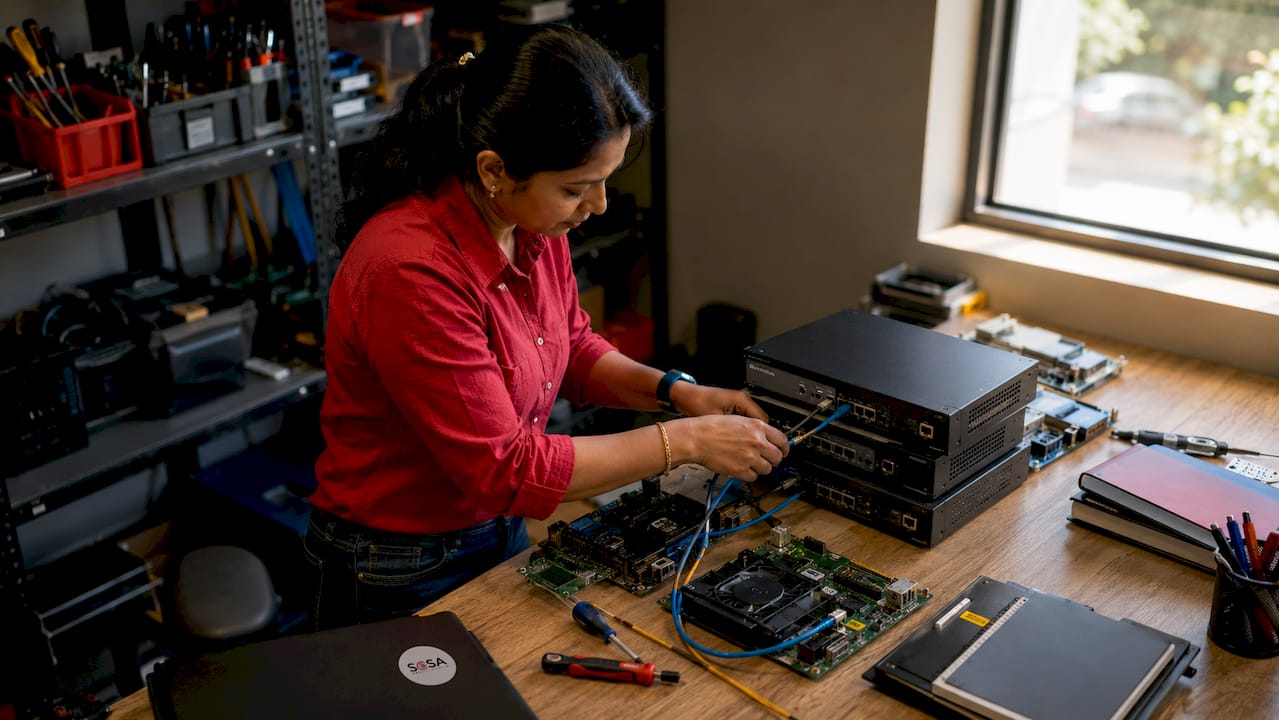
A retail store IT infrastructure guide defines the hardware, software, and network systems that keep a store running, processing payments, and serving customers without interruption. Retail IT infrastructure is the industry term for this full stack of technology, and it covers everything from POS terminals and payment processors to network segmentation and cloud-connected inventory systems. IT’s role in retail operations is no longer back-office support. It is the operational backbone. Standards like PCI DSS shape every layer of this infrastructure, and getting the setup right before opening day determines whether your store runs smoothly or loses revenue on day one.
What are the essential components of a retail IT infrastructure setup?
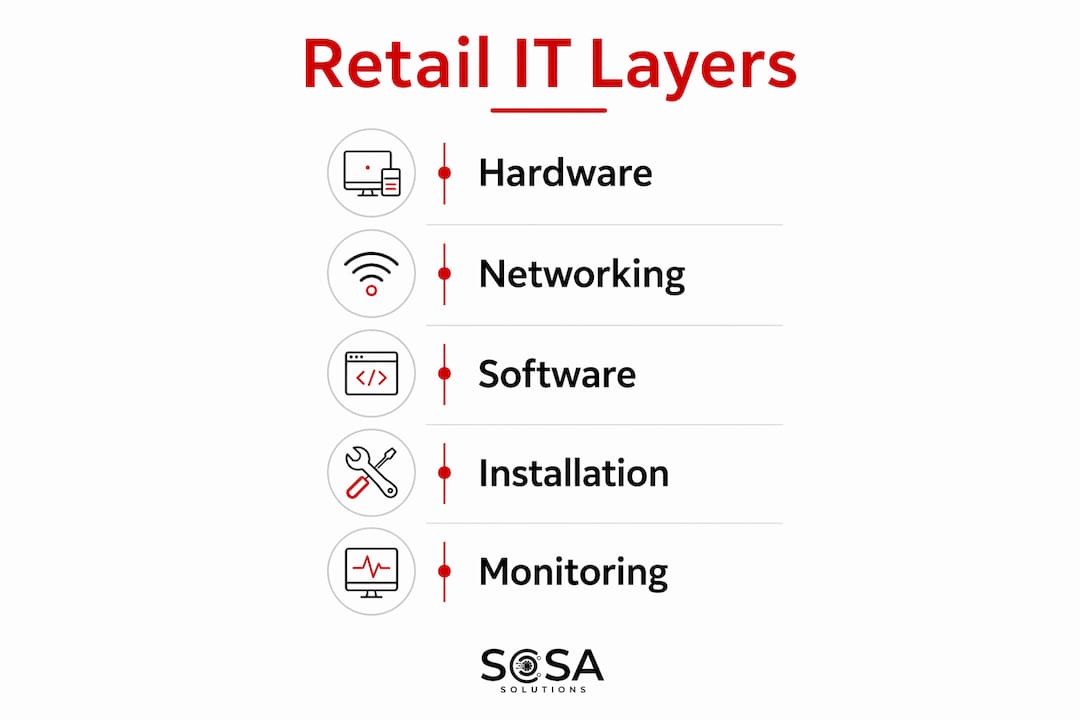
Every retail IT setup rests on three layers: hardware, networking, and software. Each layer must work together, and a weakness in any one of them creates problems across the others.
Hardware essentials
The core hardware in any retail store includes POS terminals, payment processing devices, a network switch, a router or firewall appliance, and a server or network-attached storage device. POS terminals handle every transaction, so they require reliable power, a stable network connection, and regular software updates. Payment processing devices, including card readers and PIN pads, must meet EMV and PCI DSS standards. Skipping certified hardware creates compliance gaps that can result in fines or lost payment processing privileges.
Network architecture
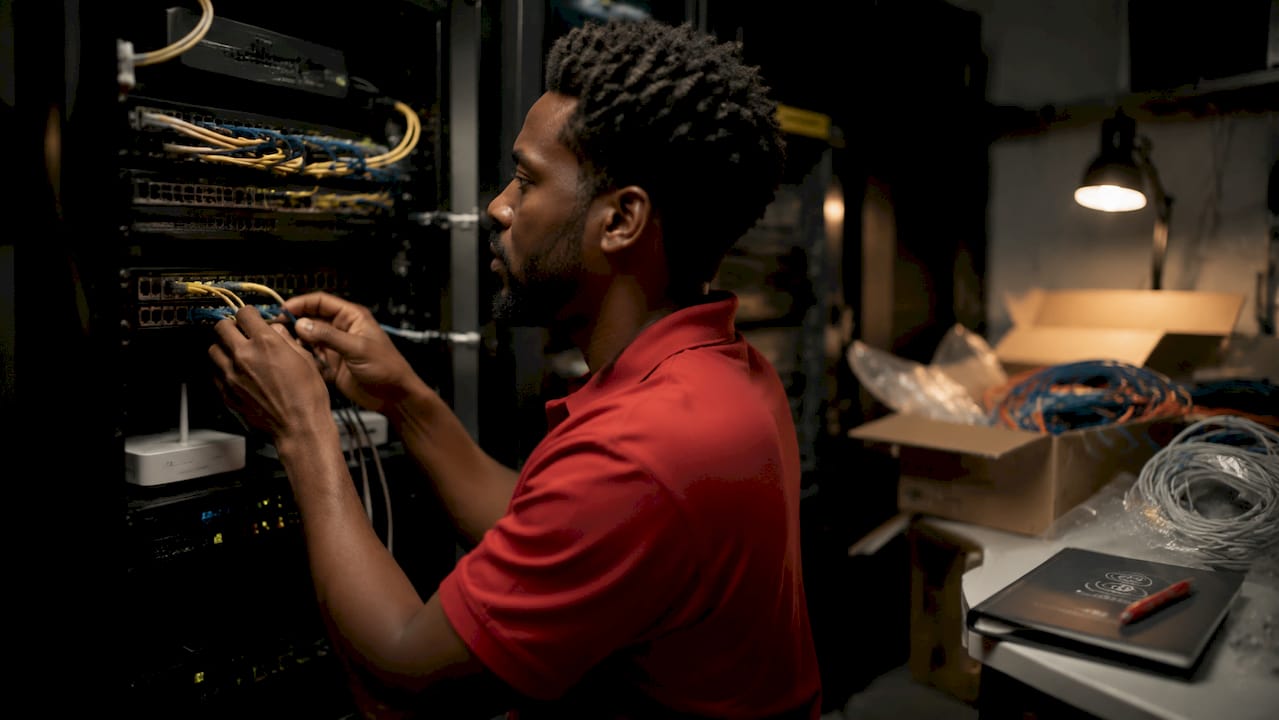
Secure retail networks require at least three logically separated VLANs: one for payment systems (PCI DSS scope), one for staff and back-office devices, and one for guest Wi-Fi with throttled bandwidth. This separation limits the blast radius of any security incident. If a guest device is compromised, it cannot reach your payment network. Dual-WAN routers with primary fiber and a 5G or LTE failover connection are the 2026 standard for maintaining 100% POS uptime during outages. POS downtime directly costs revenue, and a failover connection costs far less than a single lost trading hour.
Pro Tip: Order your fiber internet connection before you sign your lease if possible. Provisioning takes three weeks or more, and it sits on the critical path to your opening date.
Software stack
The software layer includes your POS system, inventory management platform, endpoint security software, and cloud backup. Cloud integration connects your store-level data to centralized reporting, which matters most when you operate more than one location. Edge computing complements cloud infrastructure by running latency-sensitive applications locally, keeping POS response times fast even when cloud connectivity is interrupted. Security software must cover every endpoint, including back-office computers, tablets used on the floor, and any networked printers or cameras.
Infrastructure Layer | Key Components | Primary Standard |
Hardware | POS terminals, payment devices, switches, routers | EMV, PCI DSS |
Networking | VLANs, firewall, dual-WAN, Wi-Fi access points | PCI DSS, 802.11ax |
Software | POS system, inventory platform, endpoint security, cloud backup | SOC 2, PCI DSS |
How to plan and prepare for retail IT infrastructure deployment
Planning is where most retail IT projects succeed or fail. The technology itself is rarely the problem. Timing and coordination are.
Order fiber internet immediately. Fiber provisioning requires three or more weeks before activation. Missing this deadline pushes your entire opening back. Contact your ISP the moment you have a confirmed address.
Order payment terminals at least 21 days out. Payment terminal lead times run 21 days on average. Ordering late means your store opens without the ability to process card payments, which is not a viable option for any modern retailer.
Build a Gold Image. A Gold Image is a standardized hardware and software configuration applied identically across every store location. Gold Image methodologies reduce setup errors, simplify support calls, and make scaling to new locations faster. Pre-configure every device before it ships to the store.
Coordinate with your landlord and local providers. Confirm where the ISP will terminate the fiber run inside the building. Identify the server room or IT closet location early. PCI DSS compliance requires that network equipment sit in a locked room away from public access. Negotiate access to that space before construction finishes.
Prepare your compliance documentation. Gather your network diagrams, device inventory, and security policies before the store opens. Auditors and payment processors ask for these documents, and having them ready avoids delays in activating your merchant account.
Pro Tip: Pre-configure all hardware at a central location before shipping to the store. A technician with a pre-configured device and an active internet connection can complete a full POS setup in as little as half a day.
How to execute retail IT infrastructure installation and configuration
With planning complete, execution follows a defined sequence. Skipping steps or working out of order creates rework.
Install and label all physical infrastructure. Mount your network rack in the locked IT room. Run and label all ethernet cables. Uniform rack layouts and cable labeling mean any technician can troubleshoot any store without needing location-specific documentation.
Configure your firewall and VLANs. Set up the three required VLANs: payment, staff, and guest. Apply firewall rules that block cross-VLAN traffic between the payment network and all other segments. Test the rules before connecting any payment device.
Connect and test dual-WAN failover. Plug in both your fiber connection and your 5G or LTE backup modem. Simulate a primary connection failure and confirm that POS terminals stay online and continue processing. Document the failover test result.
Install and configure Wi-Fi access points. Place access points using a Wi-Fi heat map to cover the full store floor without dead zones. Standardized access point placement across locations reduces wireless troubleshooting time significantly. Apply bandwidth throttling to the guest network so customer Wi-Fi cannot degrade staff or payment system performance.
Set up POS terminals and payment devices. Connect terminals to the payment VLAN only. Apply your Gold Image software configuration. Run end-to-end payment tests using both chip and contactless methods before going live.
The table below summarizes the installation sequence and the verification check for each step.
Step | Action | Verification Check |
1 | Physical rack and cabling | All ports labeled, cables tested with a cable tester |
2 | VLAN and firewall configuration | Cross-VLAN traffic blocked, rules documented |
3 | Dual-WAN failover | POS stays online during simulated primary outage |
4 | Wi-Fi access points | Full floor coverage confirmed, guest throttling active |
5 | POS and payment devices | Chip and contactless test transactions approved |
How to manage and monitor retail IT infrastructure long-term
A store that opens cleanly can still fail operationally if no one monitors the infrastructure after launch. Ongoing management is where retail IT troubleshooting practices become critical.
Centralized management platforms let IT teams monitor, update, and manage distributed store infrastructure from a single dashboard. This reduces on-site visits and speeds up issue detection across multiple locations. For a retailer with five or more stores, centralized management is not optional. It is the only way to maintain consistent performance without a dedicated technician at every site.
Key ongoing management practices include:
Monitor POS system health daily. Set alerts for offline terminals, failed payment transactions, and software update failures. A POS that goes offline silently costs money before anyone notices.
Track network uptime across all VLANs. Your payment VLAN requires the highest uptime priority. Log all failover events and review them monthly to identify patterns.
Apply software and firmware updates on a scheduled cycle. Unpatched devices are the most common entry point for retail network breaches. Schedule updates during off-hours to avoid disrupting sales.
Test UPS systems quarterly. UPS systems minimize downtime during power outages by keeping POS terminals and network equipment running long enough for a clean shutdown or a generator to kick in.
Maintain a standardized escalation path. Every store staff member should know the first three steps to take when IT fails: restart the device, check the network connection, and call the support line. Clear escalation paths cut resolution time in half.
Pro Tip: Standardization pays the biggest dividends in support. When every store has the same rack layout, the same cable labels, and the same software versions, a remote technician can resolve most issues without ever visiting the site.
Key takeaways
A retail store IT infrastructure built on PCI DSS-compliant network segmentation, dual-WAN redundancy, and a standardized Gold Image configuration gives retailers the best foundation for reliable operations and multi-site growth.
Point | Details |
Start fiber provisioning early | Order internet service immediately after securing a lease to avoid opening delays. |
Use three-VLAN network segmentation | Separate payment, staff, and guest networks to meet PCI DSS and limit security risk. |
Build and deploy a Gold Image | Standardize all hardware and software configurations to speed setup and simplify support. |
Deploy dual-WAN failover | A 5G or LTE backup connection keeps POS terminals online during primary outages. |
Monitor centrally after launch | Use a unified dashboard to track uptime, push updates, and detect issues across all stores. |
What I’ve learned from watching retail IT go wrong at the worst moment
The most expensive retail IT mistakes I’ve seen share one trait: they were all predictable. A store opens without fiber because no one ordered it six weeks out. Payment terminals arrive two days late because the 21-day lead time was treated as a suggestion. The network has no VLAN separation because the installer said it was “probably fine.”
The Gold Image concept sounds like an enterprise luxury until you’re managing your third location and realize that every store has a slightly different setup. At that point, a support call that should take 20 minutes takes two hours because no one can find the documentation for that specific store’s configuration. Standardization is not about rigidity. It is about giving yourself the ability to fix problems fast.
The hybrid cloud-edge model is also worth taking seriously, even for smaller retailers. Running latency-sensitive applications locally while pushing reporting and analytics to the cloud is not complicated to set up. It does, however, require that someone actually plans it before installation day. Most retailers who skip this end up with slow POS response times during peak hours, which is exactly when they can least afford it.
Centralized monitoring is the last piece most retailers underinvest in. Opening a store is visible and exciting. Monitoring it afterward feels like maintenance. But centralized IT management is what separates retailers who catch a failing switch before it takes down the payment network from those who find out when a customer’s card gets declined.
— Christopher
Sosasolutionsnyc supports your retail IT setup from day one
Retail store IT infrastructure requires precise timing, technical depth, and experience with the specific compliance demands of payment environments. Sosasolutionsnyc delivers store opening IT solutions for retailers across New York and Florida, covering everything from pre-configuration and VLAN setup to POS installation and post-launch monitoring.

For retailers already operating and looking to strengthen their current setup, Sosasolutionsnyc also provides managed IT services that include centralized monitoring, scheduled maintenance, and rapid on-site or remote support. Whether you are opening your first location in Manhattan or expanding across Florida, Sosasolutionsnyc builds the infrastructure foundation your store needs to operate without interruption.
FAQ
What is retail IT infrastructure?
Retail IT infrastructure is the full set of hardware, software, and network systems that support store operations, including POS terminals, payment devices, VLANs, and cloud-connected inventory platforms.
How early should I order fiber internet for a new store?
Order fiber internet at least three weeks before your target activation date. Provisioning lead times regularly exceed three weeks, and a delay pushes back your entire opening.
What is a Gold Image in retail IT?
A Gold Image is a standardized hardware and software configuration applied identically to every store location. It reduces setup errors, speeds deployment, and makes multi-site support far more manageable.
Why does a retail store need three separate VLANs?
PCI DSS requires that payment systems be logically isolated from other network traffic. Three VLANs, covering payment, staff, and guest access, contain security incidents and prevent a compromised guest device from reaching payment data.
What happens to POS terminals during an internet outage?
A dual-WAN router with a 5G or LTE failover connection keeps POS terminals online and processing payments during a primary fiber outage. Without failover, a connectivity loss stops all card transactions until the connection is restored.
Recommended


Comments